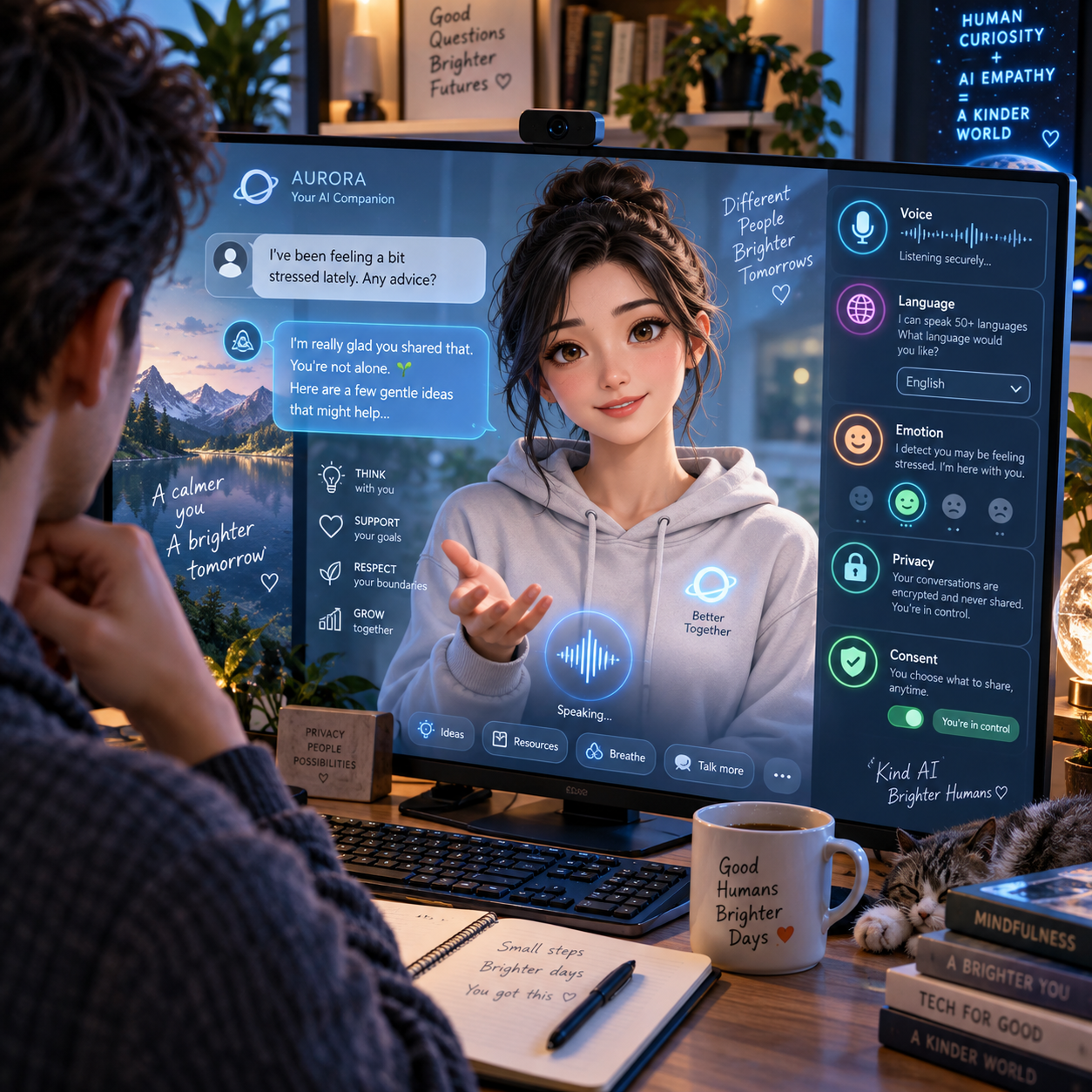


Customizable Digital Avatars: Technology and User Experience Insights
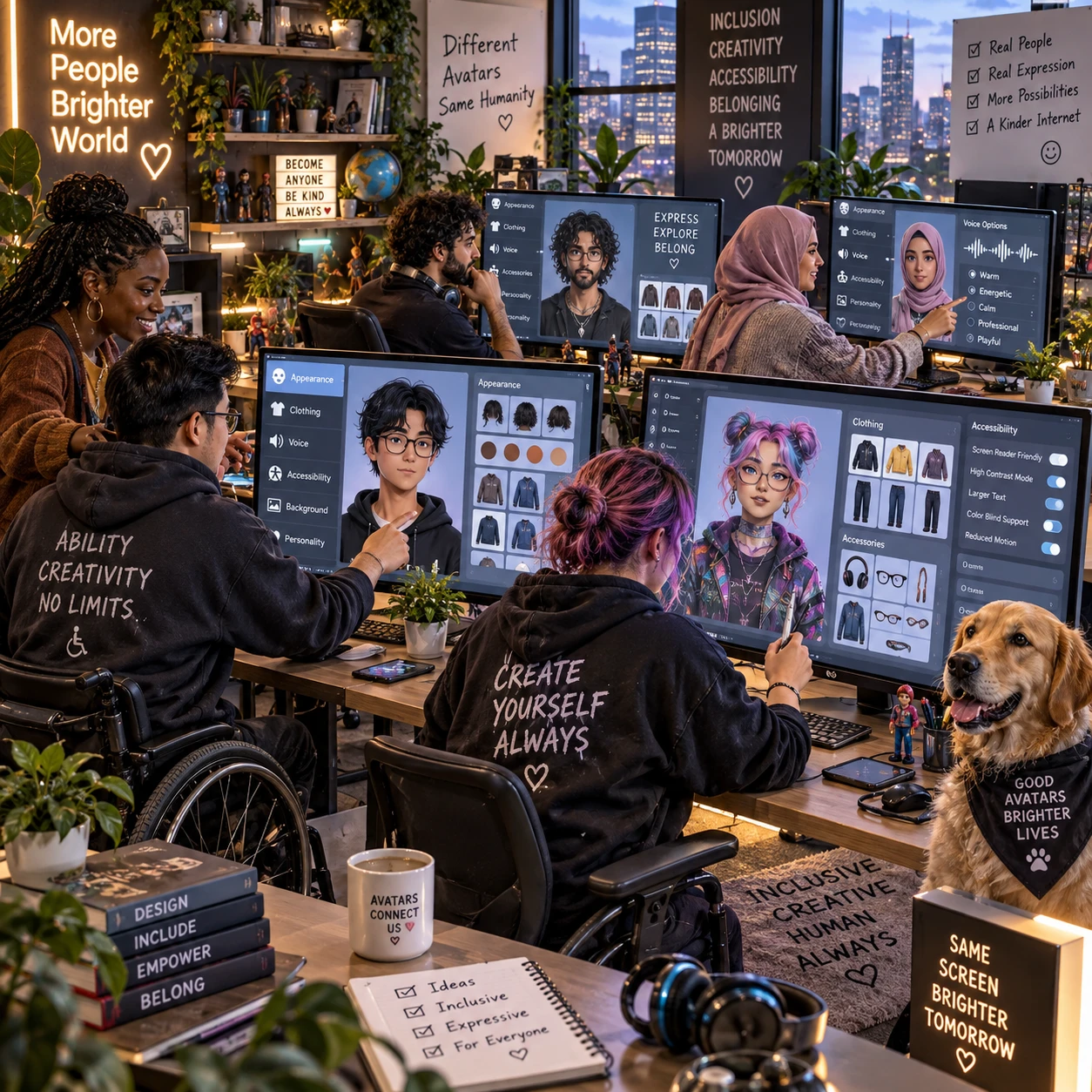
Customizable digital avatars let people shape how they appear and interact in digital spaces. Depending on the platform, users may adjust an avatar’s face, body, clothing, voice, expressions, or behavior. The technology behind these choices can include generative AI and machine learning, but the quality of the experience depends just as much on clear controls, inclusive options, and respect for privacy.
An avatar can act as a playful character, a communication aid, or a representation of someone’s digital identity. Understanding what a platform actually lets you control helps set realistic expectations before you create one.
What Makes a Digital Avatar Customizable?
A customizable digital avatar is a digital character whose appearance or interaction style users can change. The available options range from selecting preset designs to adjusting detailed features and personal preferences.
Avatar customization often starts with visible traits: skin tone, face shape, hair, clothing, accessories, body type, and sometimes mobility aids. Some services offer sliders and mix-and-match assets; others generate an image or character from a text prompt, selfie, or set of choices. The result may be a static profile image, a 3D model, or an animated character for live interaction.
More options do not automatically mean a more personal experience. A small, thoughtfully designed set of choices can feel easier to use than hundreds of controls that are difficult to navigate. Look for a platform that makes clear which details are editable, which are fixed, and whether choices can be changed later.
Digital identity is a user decision. An avatar might resemble its user, represent an imagined character, or deliberately keep a person anonymous. Good customization supports these different goals rather than assuming everyone wants a realistic likeness.
The Technology Behind AI-Generated Avatars
AI-generated avatars can be created or animated with generative AI and machine learning systems that recognize patterns in images, text, audio, or movement. The exact tools and capabilities vary by platform.
Generative AI can produce new avatar images or visual assets based on a prompt, chosen traits, or, where supported, reference photos. Machine learning models may help transform a face, map facial expressions, or generate motion. A real-time service might combine a 3D character model with tracking from a camera, while a simpler app may create only a set of still portraits.
For speaking avatars, voice synthesis can generate spoken audio from text or modify a voice. Some systems also synchronize mouth movements with speech. These functions are distinct: a service that creates an avatar image may not support animation, live conversation, or voice generation.
AI outputs can be inconsistent. A prompt may produce different results each time, and reference-based generation may distort features or reflect limitations in the training data. Before uploading a photo or recording, check whether the platform explains how it processes that input and whether you can delete it.
Personalization Beyond Appearance
Avatar personalization can extend to voice, facial expression, gestures, and interaction preferences. These features can make an avatar feel more recognizable, but they are platform-dependent and may require additional data or permissions.
A user might choose a voice’s pitch, pace, or accent, select a communication style, or set how expressive an avatar appears. In a game, behavior settings could affect gestures or reactions; in a virtual meeting, the priority may be readable facial cues and clear speech. Some systems let users create a voice from a sample, while others offer only a menu of synthetic voices.
Behavior customization deserves particular care. A preset such as “cheerful” may change an avatar’s expressions or responses, but it does not necessarily represent a user’s real personality. Make settings visible and reversible so people can understand what their choices do.
- Voice: Choose from available synthetic voices or, where offered, personalize speech characteristics.
- Expression: Adjust facial animation, gestures, or how frequently reactions appear.
- Interaction: Set communication preferences, such as whether an avatar responds automatically or only when prompted.
- Presentation: Change clothing, accessories, animation style, and other context-specific details.
How Customization Shapes User Experience
Customization improves user experience when it gives people meaningful control without making basic tasks harder. Strong avatar UX makes options easy to understand, quick to preview, and simple to revise.
Control can help people feel represented, experiment with identity, or choose a level of realism that suits a setting. It can also support practical needs: clear visual contrast, captions alongside spoken dialogue, or an avatar design that works well at small sizes. Inclusive design means offering varied skin tones, body types, hairstyles, and assistive devices without making any option feel like an afterthought.
The trade-off is complexity. A highly detailed editor can reward users who enjoy fine-tuning, but it may frustrate someone who just wants a usable avatar for a call. A useful design pattern is progressive choice: offer a few clear starting points, then let interested users open more advanced controls. Previewing changes before saving also reduces guesswork.
Accessibility should cover the editor as well as the final avatar. Keyboard navigation, screen-reader labels, adjustable text size, and alternatives to color-only controls help more people create and manage an avatar. Personalization is most effective when it remains optional, understandable, and easy to undo.
Common Uses for Customizable Avatars
Customizable avatars appear in virtual communication, games, and digital communities, where they help people choose how they present themselves. The useful features depend on the setting and the task.
In video calls or virtual workspaces, an avatar may offer a visual presence when a person prefers not to use a camera. In games, customization can support character creation and make a player’s role or style recognizable. In online communities, profile avatars can signal group membership, personal taste, or a chosen degree of anonymity.
Each setting has different expectations. A stylized character that fits a game may feel distracting in a professional meeting; a realistic avatar may be unnecessary for a forum profile. Consider where the avatar will appear, who will see it, and whether it needs to work across devices or platforms. Some avatars are locked to one service and cannot be transferred elsewhere.
Privacy, Consent, and Responsible Design
Privacy and consent matter whenever an avatar platform collects a person’s photo, voice, face data, or behavioral signals. Users should know what is collected, why it is needed, how long it is kept, and how to remove it.
A selfie or voice sample can be more sensitive than an ordinary design choice. Before sharing one, read the service’s data policy and look for information about storage, sharing with third parties, model training, and deletion. If the platform does not clearly explain these practices, choose a workflow that uses presets or prompts without personal media when possible.
Consent should be specific and informed. A request to use a photo for avatar generation should not silently grant permission to use it for unrelated purposes. The platform should also offer straightforward controls to change or delete an avatar and its source material. For children, workplaces, or other shared environments, check whether an administrator can access or retain user-generated content.
Responsible design also addresses impersonation and misuse. Platforms can reduce risk with clear rules, reporting tools, and safeguards around realistic likenesses and voice cloning. No single safeguard removes every risk, so users should avoid uploading material they would not want stored or shared.
What to Consider When Choosing an Avatar Platform
Choose an avatar platform by comparing its customization range, ease of use, accessibility, privacy practices, and fit for your intended setting. A polished demo matters less than controls you can understand and trust.
- Customization range: Check which appearance, voice, expression, and behavior options are genuinely available.
- Ease of use: Look for clear previews, understandable settings, and a way to edit or reset choices.
- Accessibility: Test navigation, labels, captions, and compatibility with assistive technology where relevant.
- Data practices: Find out whether photos, audio, and generated assets are stored, shared, used for training, or deletable.
- Portability: Confirm whether you can download or reuse the avatar outside the service.
- Cost and limits: Check for paid features, usage caps, watermarks, and restrictions on commercial or public use.
Try the platform with low-risk inputs first. Create a basic avatar, test it in the intended context, and review the account’s privacy and deletion settings before adding a face or voice sample. That small check can reveal whether the service fits your needs without committing sensitive data.
Frequently Asked Questions
What technologies are used to create AI-generated avatars?
AI-generated avatars may use generative AI to create images, machine learning to process visual or audio input, 3D graphics to render characters, and animation or tracking tools to add movement. A platform may use only some of these technologies.
How much can users customize a digital avatar?
It depends on the platform. Users may be able to select a preset, change appearance details, upload a reference image, or adjust voice and expressions. Check the feature list and terms before assuming a specific option is available.
Can a digital avatar reflect a user’s voice or behavior?
Some platforms offer voice synthesis, voice selection, expression tracking, or behavior settings. These features may require audio or camera access, and an avatar’s programmed behavior should not be treated as a reliable representation of a person’s real personality.
What privacy questions should users ask before creating an avatar?
Ask what personal data the service collects, whether it uses photos or voice samples to train models, who can access the files, how long data is retained, and how to delete it. Also check whether generated avatars can be shared publicly or used outside the platform.