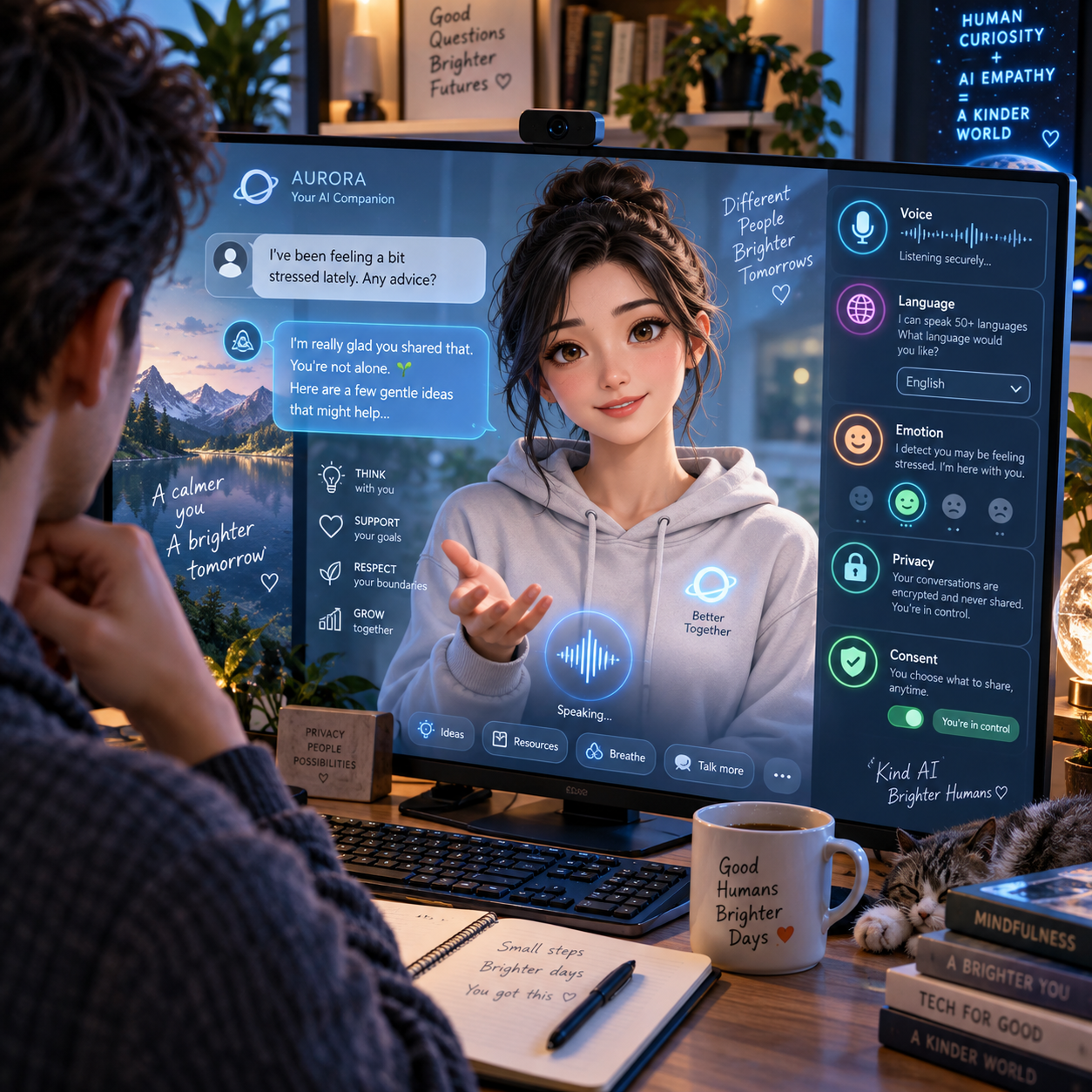

The Use of AI Avatars in Education and Personalized Learning
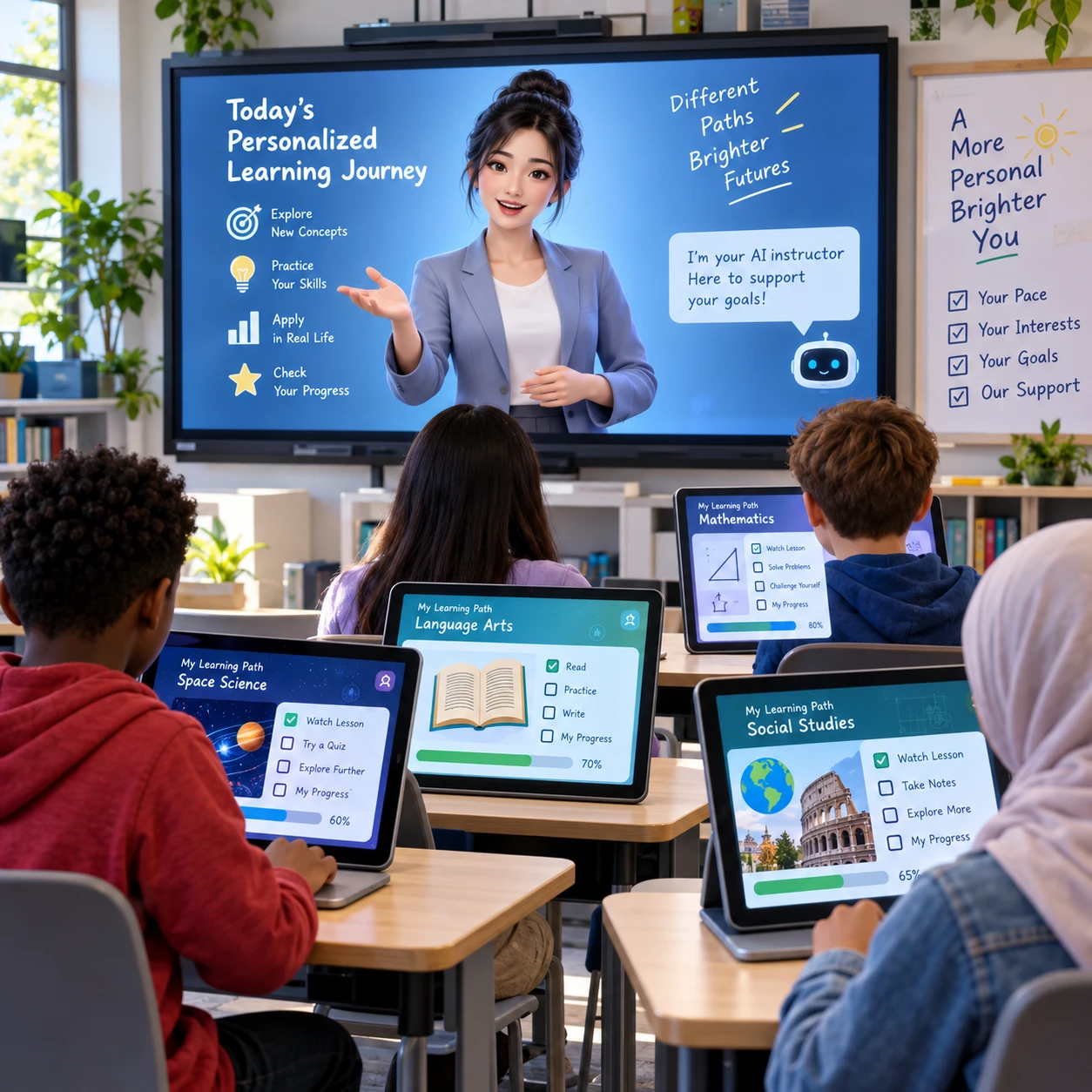
AI-generated avatars are changing how some schools and learning platforms present lessons, practice activities, and feedback. Used thoughtfully, these virtual instructors can make educational technology feel more interactive and help tailor learning experiences to individual needs.
An avatar is only the visible and conversational layer of a learning tool, though. Its value depends on the quality of the teaching materials, the way it responds to students, and the human guidance around it.
What AI Avatars Bring to Education
AI avatars bring a visual, conversational way to deliver educational content. They can introduce concepts, explain steps, ask questions, and guide learners through activities as virtual instructors within a digital lesson.
Some tools use a scripted avatar that follows prepared material. Others connect an animated character to AI tutoring software that can respond to typed or spoken questions. These are different capabilities: an engaging face does not, by itself, make a system adaptive or knowledgeable.
For example, a science lesson might use an avatar to explain a diagram, pause for a comprehension check, and direct students to a short practice task. A language-learning avatar could model a conversation and invite the learner to reply. In each case, the avatar helps present the activity; the curriculum and instructional design determine what students learn.
Think of the avatar as an interface, not an authority. Educators should check that its explanations match course materials and make clear when students should verify information or ask a teacher.
Personalizing the Learning Experience
An AI avatar can personalize a lesson by adjusting its pace, prompts, or explanations in response to a learner’s progress and questions. The most useful adaptation is specific: it responds to evidence of what a student understands, rather than simply changing the avatar’s voice or appearance.
In an adaptive learning activity, a student who answers a question incorrectly might receive a simpler explanation, a worked example, or another practice question. A student who answers confidently could move to a more challenging task. The avatar can deliver these options in a conversational format and encourage learners to explain their reasoning.
Personalization may also involve preferences. A learner might choose captions, listen to a spoken explanation, repeat a demonstration, or ask for an example connected to a topic they know. These choices can make a lesson easier to navigate, but they should not be confused with a proven measure of learning style. Offering multiple ways to engage is generally more useful than assigning students fixed labels.
Teachers still need to review how the system adapts. If it interprets a short answer incorrectly or gives a confusing hint, a student can be sent down the wrong path. The avatar should support learner agency, with a clear way to request help or return to the instructor.
Practical Uses in the Classroom and Beyond
AI avatars can support lesson introductions, language practice, low-stakes tutoring, and self-paced study. They work best for bounded activities with clear learning goals and a teacher or trusted adult available when needed.
- Lesson introductions: A virtual instructor can preview key vocabulary or pose a question before a class discussion. Teachers can then build on students’ responses in person.
- Language practice: Learners can rehearse greetings, ordering food, or asking for directions with an avatar. The tool may offer repetition without the pressure of speaking in front of a group, though pronunciation feedback should be checked for accuracy.
- Step-by-step tutoring: An avatar can guide a student through a maths problem by asking what to try next, rather than immediately giving the answer. This approach is most helpful when prompts are aligned with the teacher’s methods.
- Self-paced study: Students reviewing a recorded lesson can pause, replay an explanation, and complete short checks for understanding. The teacher can use classroom time to address patterns in the questions students miss.
These uses can extend beyond school, including museum learning, vocational training, and at-home revision. They are less suitable when a task requires nuanced emotional support, sensitive personal advice, or a high-stakes decision. In those situations, a human educator or qualified professional should lead.
Potential Benefits for Learners and Educators
AI avatars may increase learner engagement, provide flexible practice, and free educators to focus more attention on discussion and individual support. These benefits depend on thoughtful implementation; an avatar cannot guarantee attention or improved achievement.
A conversational character can make routine practice feel less solitary, especially when a student can repeat an explanation without worrying about slowing down a class. On-demand prompts may also help learners identify where they are stuck before they ask a teacher for assistance. For educators, a well-designed activity can handle a limited set of practice interactions while the teacher works with a small group.
Accessibility can improve when a tool offers features such as captions, adjustable playback speed, keyboard navigation, transcripts, and compatibility with assistive technology. A learner who benefits from spoken explanations may appreciate an avatar, while another may prefer text or a static diagram. Letting students choose can matter more than the character’s realism.
There are trade-offs. Maintaining and reviewing avatar-led content takes time, and animated delivery can distract from a difficult concept. Some students may find a synthetic voice uncomfortable or struggle with speech recognition. Educators should compare the tool’s actual contribution with a simpler alternative, such as a well-written transcript or teacher-made video.
Limitations and Responsible Use
Responsible use of AI avatars requires accurate content, human oversight, accessible design, and careful handling of student data. An avatar can sound confident while producing an incomplete or incorrect answer, so its output should not be treated as automatically reliable.
Before using a tool, educators should check how it handles unfamiliar questions, whether it identifies uncertainty, and what students can do when an answer seems wrong. Keep activities focused on course content and avoid using a general-purpose chatbot as the sole source of instruction. A teacher should remain available to correct errors and respond to needs that the system cannot understand.
Privacy deserves equal attention. Find out what information the product collects, whether it records voice or video, how long it keeps prompts and recordings, and whether data is used to train models. Collect only what the activity needs, limit access, and follow school policy and applicable privacy requirements. Explain the tool to students and families in plain language, including what data is shared and how to opt out where appropriate.
Accessibility and age suitability also need review. Test captions, transcripts, screen-reader support, and controls with the students who will use them. Consider whether a lifelike avatar could cause confusion about whether a real person is present, and use clear disclosures. For younger learners, keep interactions brief, supervised, and limited to approved topics.
How to Introduce AI Avatars Thoughtfully
To introduce AI avatars thoughtfully, start with a learning need, select a tool that meets it, test the activity with students, and evaluate whether it helps. A pilot is safer and more informative than adopting a platform simply because it looks engaging.
- Set one measurable goal. For instance, use an avatar to give students another chance to practise a specific vocabulary set, rather than aiming vaguely to make a course more innovative.
- Choose the right interaction. Decide whether a scripted explanation, adaptive prompt, or conversational practice is needed. Avoid paying for generative features if a prepared lesson does the job.
- Review content and safeguards. Check curriculum alignment, response limits, accessibility options, data practices, and the process for reporting harmful or inaccurate output.
- Run a small pilot. Observe whether students can use the activity independently, where they get confused, and whether the avatar supports the intended task without creating extra barriers.
- Evaluate and adjust. Compare student work, questions, and teacher observations with the learning goal. Keep the tool only if it adds useful support compared with the time and cost it requires.
Ask students for feedback, too. Their comments may reveal that the voice is hard to understand, the pace is too fast, or a text-based option works better. Keep a teacher-led alternative available so students are not forced to use a format that does not meet their needs.
Frequently Asked Questions
These answers summarize how AI avatars fit into education, personalization, age-appropriate use, and student privacy. In every case, the school’s policies and the specific tool’s capabilities matter.
Can an AI avatar replace a teacher?
No. An AI avatar can present content and support structured practice, but it cannot replace a teacher’s judgment, relationships, classroom management, or responsibility for student wellbeing. It should complement educator-led instruction.
How can an AI avatar personalize a lesson?
It can adjust pacing, offer another explanation, provide a hint, or suggest a different practice question based on a learner’s responses. Teachers should review these adaptations because the system can misunderstand an answer or make a poor recommendation.
Are AI avatars suitable for different age groups?
They can be, when the content, interaction, supervision, and data practices are appropriate for the learners. Younger students generally need tighter controls and adult oversight; older learners may benefit from more independent practice, with clear limits on the tool’s role.
What privacy issues should educators consider?
Educators should check whether a tool collects student names, voice recordings, video, prompts, or performance data; who can access that information; how long it is stored; and whether it is used to train AI models. Share only necessary data and follow school policy and applicable law.